Self-order kiosk
A tablet at the counter where guests order by themselves
Guests tap, order and get a number, then pay at the cashier.
Add-on from 149 EGP / month
How it works
Self-order kiosk, step by step
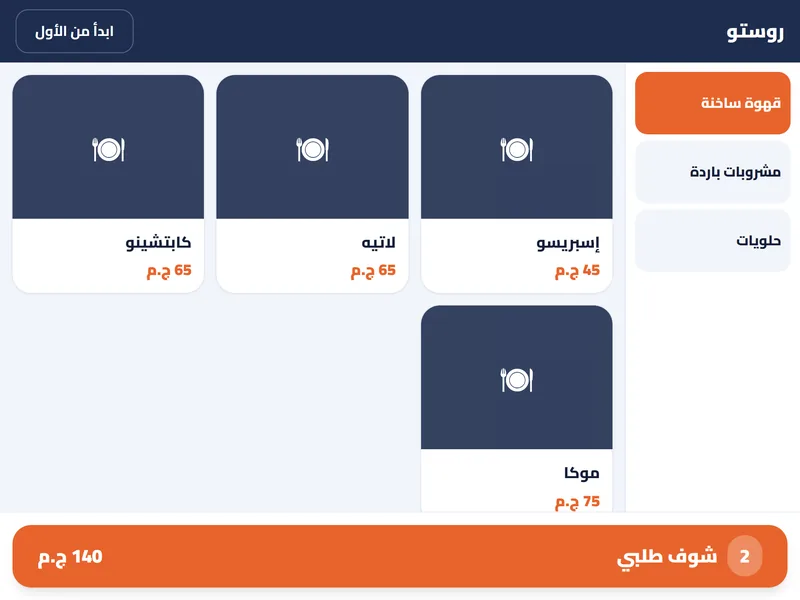
Start. The guest taps “Start your order” on the tablet.
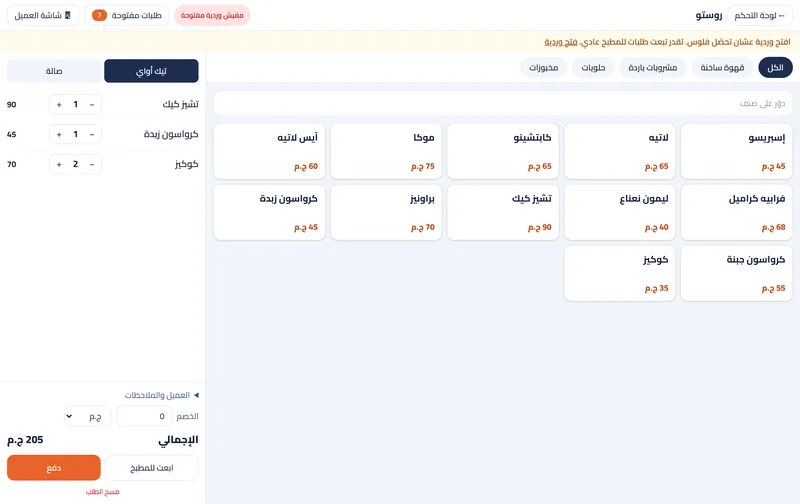
Pick items. A latte with a size, and a cheesecake.
Order number. They write their name and get order number 74.
Pay and collect. They pay at the cashier, and the order is already at the bar.
What you get
A shorter line
At rush hour guests order on the tablet while the cashier takes the money.
Your menu, made big
The kiosk shows your menu with sizes, extras and sold-out items, laid out for a tablet.
Straight to the board
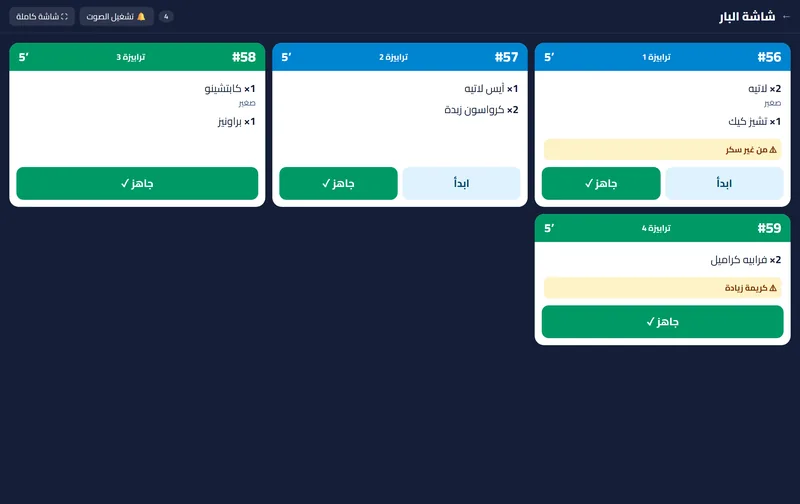
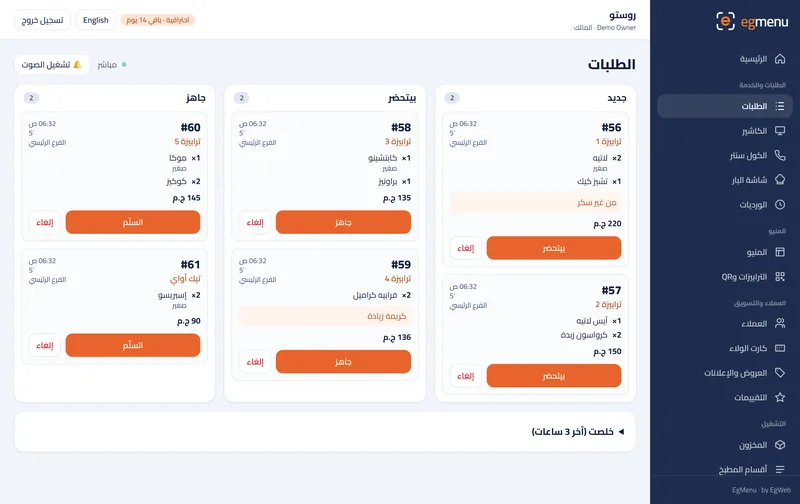
The order lands on the order board and the kitchen screen with its number, like any other order.
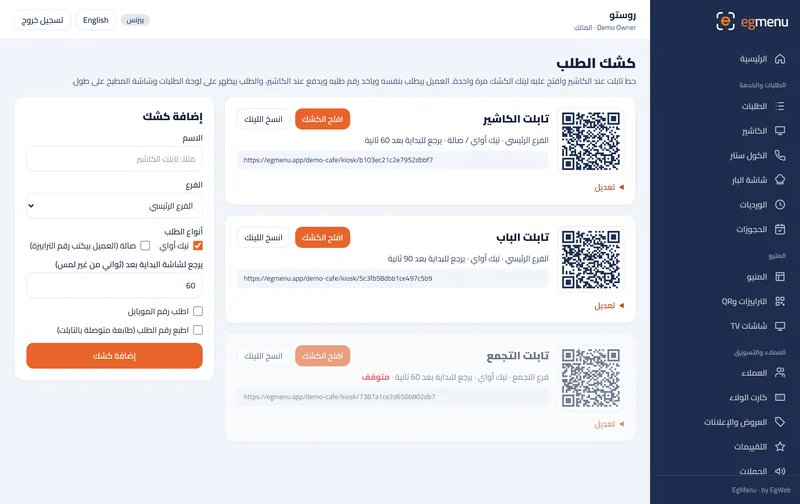
One link per tablet
Each tablet opens its own secret link; stop it or change the link from the dashboard.
Who is it for
In a cafe like Rosto A great fit
Takeaway coffee at rush hour: the line orders on the tablet while the barista keeps going.
In a restaurant like Sofra A great fit
A fast-casual counter where guests choose eat-in or takeaway and wait for their number.
Where you get it
Self-order kiosk
+149 EGP / month
A tablet at the counter: guests order by themselves, get their order number and pay at the cashier
Questions about Self-order kiosk
Which tablet do I need?
Any tablet with a browser; a 10-inch screen in landscape works best. Open the kiosk link once and leave it on.
Does the guest pay on the tablet?
No. The kiosk takes the order, and the guest pays at the cashier as usual.
What if a guest walks away mid-order?
The kiosk asks “Are you still here?” and starts over by itself after a short wait.
How is it priced?
It is an add-on per branch, with a discount on each extra branch, on top of a paid plan.