Menu languages
Your menu in French, Russian, Italian and more, translated in one click
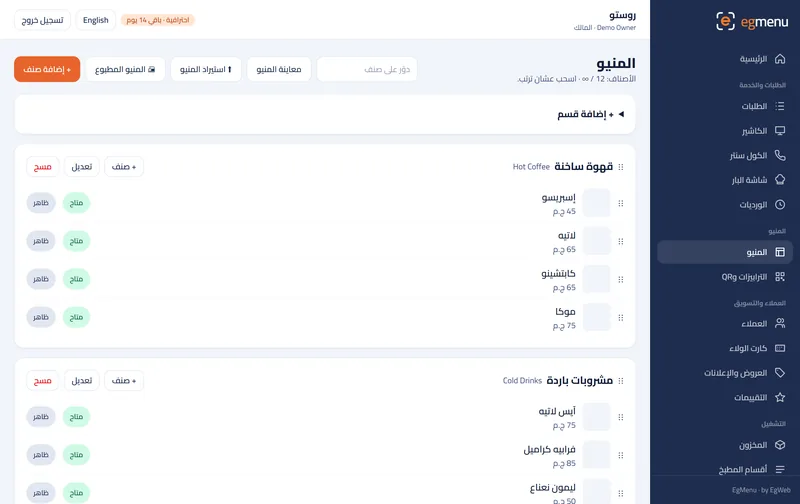
Seven more languages, filled in by AI with your own key.
In Business
How it works
Menu languages, step by step
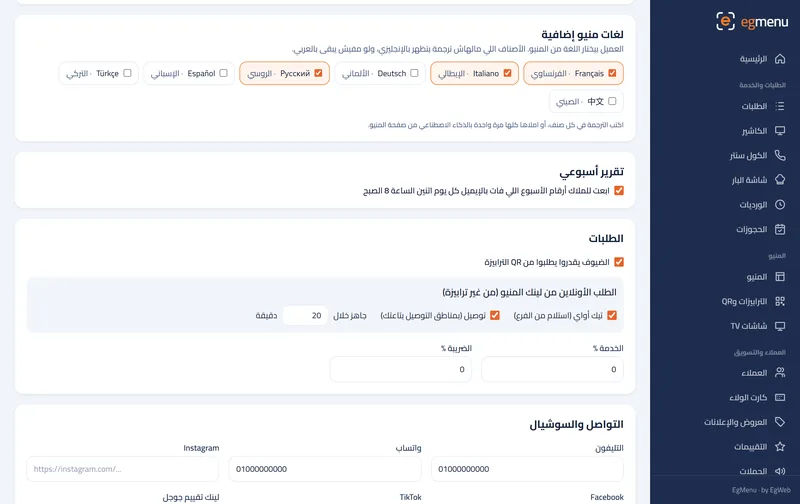
Pick languages. Rosto turns on French and Russian.
Translate. One click fills in the items with AI.
Review. Fix a name by hand where you want.
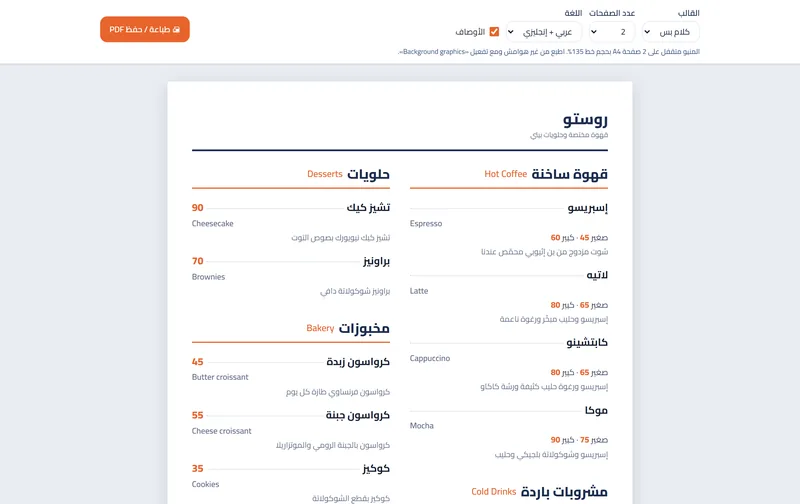
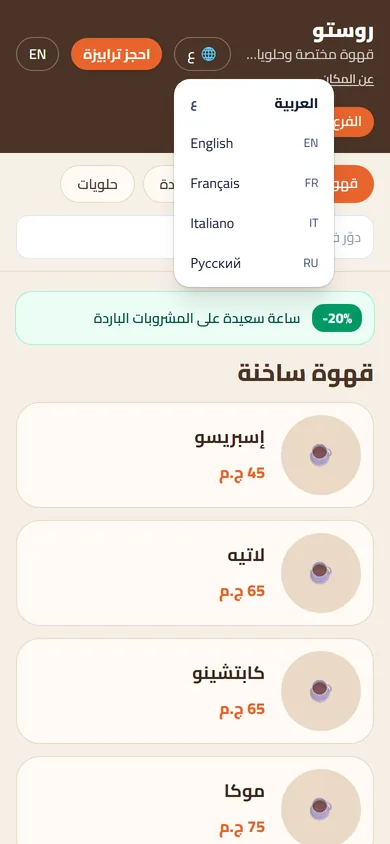
The guest switches. A tourist picks Русский from the menu.
What you get
Seven more languages
French, Italian, German, Russian, Spanish, Turkish and Chinese, next to Arabic and English.
One-click translation
AI fills in every missing name and description with your own AI key; you pay the provider only for what you use.
Edit any word
Fix any translation by hand, item by item, like any other text in the menu.
The guest picks
A tourist switches the menu to their language from the menu header.
Who is it for
In a cafe like Rosto A great fit
A cafe in Zamalek or Dahab where many guests read neither Arabic nor English.
In a restaurant like Sofra A great fit
Restaurants on the tourist route in Hurghada, Sharm, Luxor and downtown Cairo.
Where you get it
- Not included Free Free
- Not included Starter 99 EGP / month
- Not included Basic 199 EGP / month
- Not included Pro 399 EGP / month
- Included Business 799 EGP / month
Questions about Menu languages
Who pays for the translation?
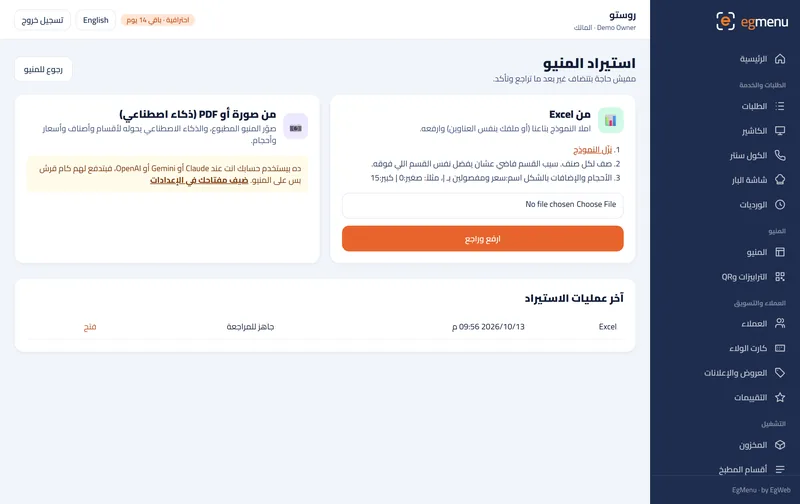
You use your own AI key (Claude, Gemini or OpenAI) from Settings, as with the menu import; translating a whole menu costs very little.
Are Arabic and English part of it?
Arabic and English are in every plan. This module adds the other seven languages.
What if I add items later?
Run the translation again: it fills in only what is missing and keeps what you edited by hand.