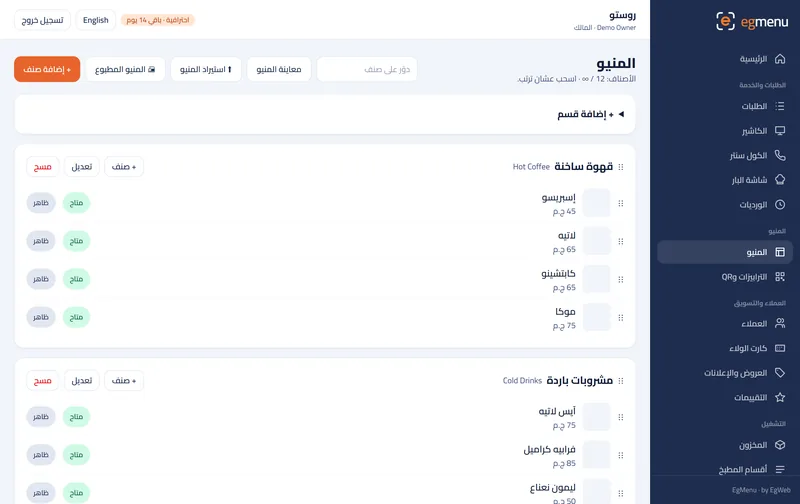
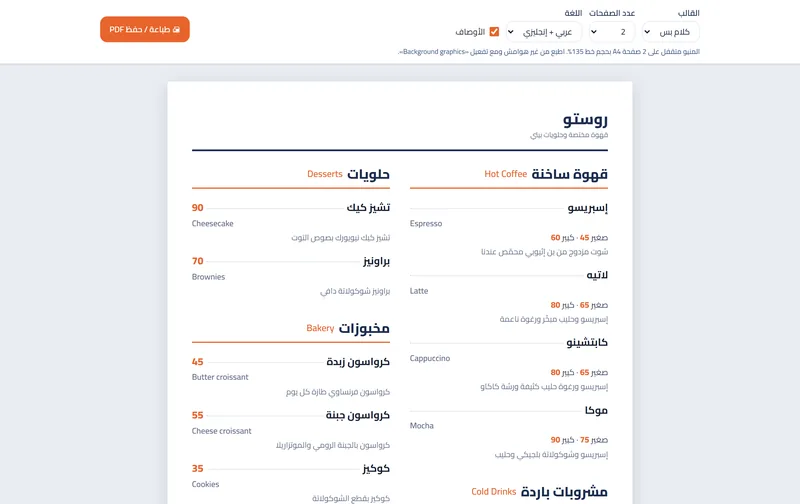
Menu import
Your whole menu in, from an Excel sheet or a photo
Upload Excel, or a photo that AI turns into items.
Free, in every plan
How it works
Menu import, step by step
Upload. Drop in the Excel sheet or a photo of the paper menu.
Read. The items, sizes and prices are read line by line.
Review. Fix anything before it goes live.
Publish. The menu is online, ready for the QR codes.
What you get
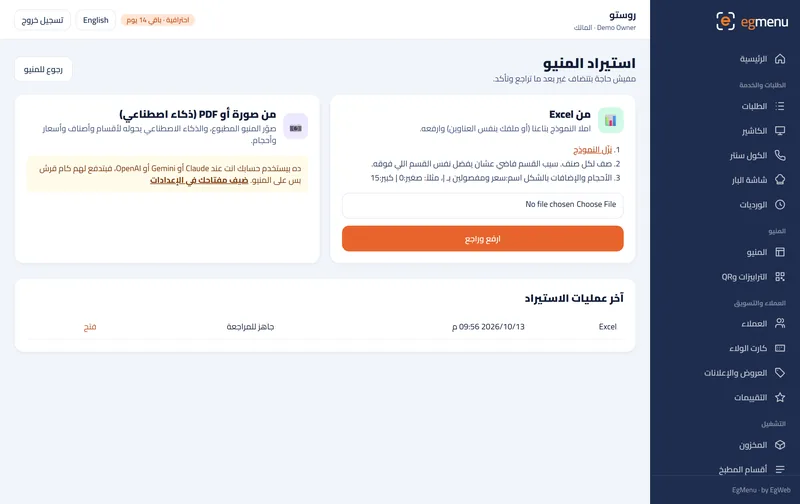
Excel template
Download the template, fill in sections, items, sizes and prices, and upload it.
From a photo with AI
Upload a photo or PDF of your printed menu and AI reads the items for you.
You review first
Nothing goes live until you check the items and press publish.
Who is it for
In a cafe like Rosto A great fit
A drinks list with small and large sizes, in one sheet.
In a restaurant like Sofra A great fit
A long menu with many sections, without typing it item by item.
Where you get it
- Included Free Free
- Included Starter 99 EGP / month
- Included Basic 199 EGP / month
- Included Pro 399 EGP / month
- Included Business 799 EGP / month
Questions about Menu import
Who pays for the AI?
You use your own AI key (Claude, Gemini or OpenAI) from Settings, so you pay the provider directly and only for what you use; the cheap models are enough.
Is Excel import free?
Yes, the Excel import is included in every plan, including the free one.
Will it replace my current items?
No. Imported items are added for review; you decide what to keep.