Table reservations
Guests book a table from your menu link
Bookings by time and party size, within the seats you have.
In Pro · Business
How it works
Table reservations, step by step
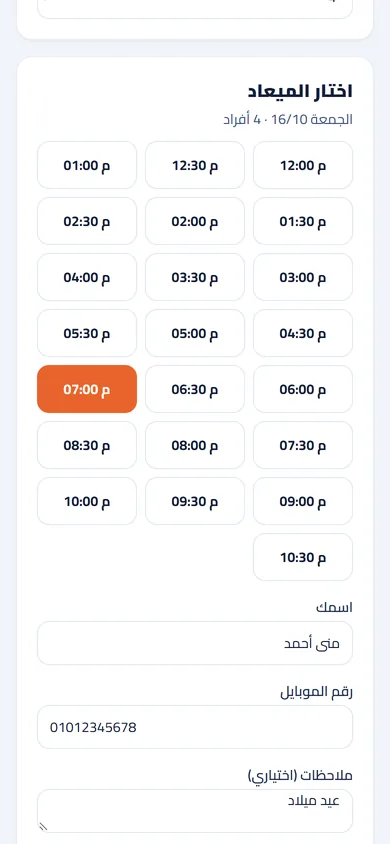
Pick a time. Mona picks Friday and 4 guests, and sees the free times.
Book. She books 8:30 pm with a note: a birthday.
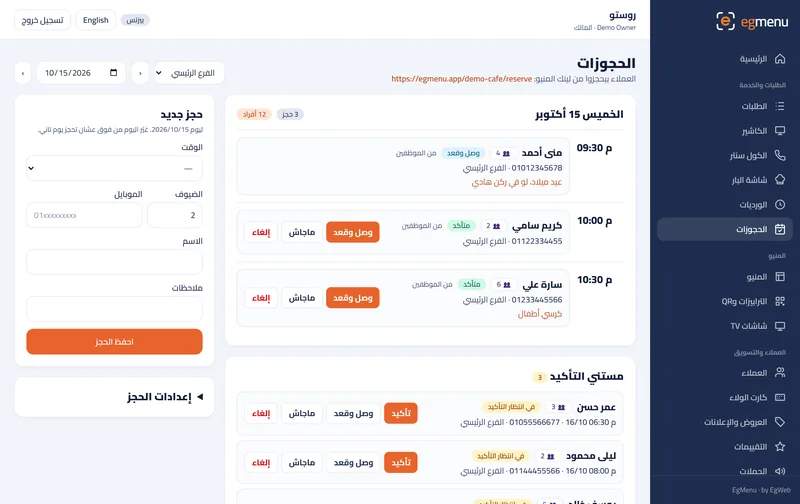
Confirm. The booking waits on the reservations page; one tap confirms it.
Seat. At 8:30 the board strip shows the booking; mark them seated.
What you get
Book from the menu link
A “Book a table” page next to your menu: the day, the time, the number of guests and a mobile number.
Never overbooked
Set the seats per time slot, the table time and the largest group; guests only see the times that are free.
On the order board
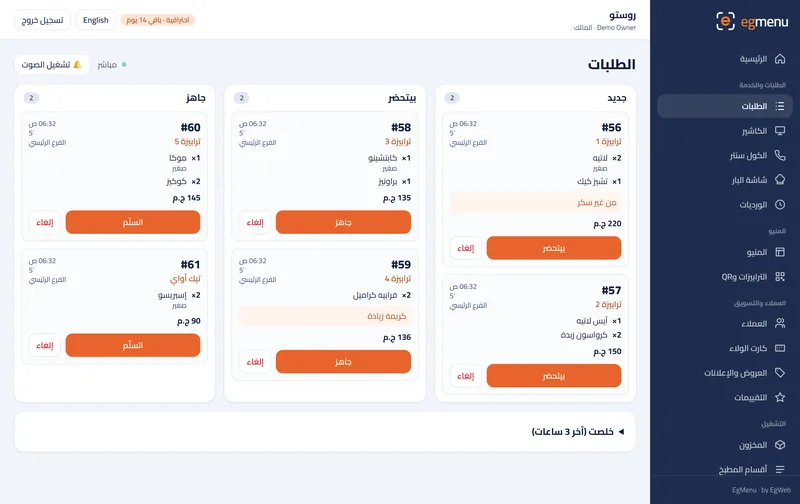
Today’s bookings show in a strip on the order board, so the floor knows who is coming.
Confirmed your way
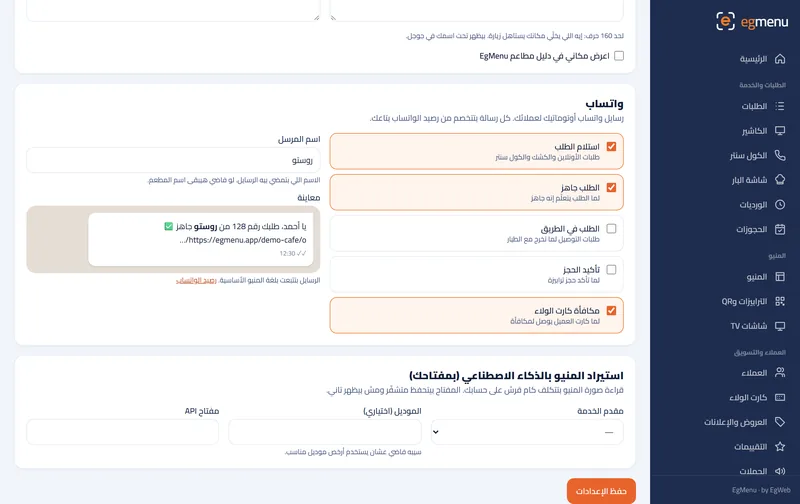
Confirm each booking with one tap, or automatically; with WhatsApp updates the guest gets it on WhatsApp.
Who is it for
In a cafe like Rosto A great fit
A corner for a study group or a birthday at the weekend, booked ahead.
In a restaurant like Sofra A great fit
Friday dinners and big families booked by time, within the seats you really have.
Where you get it
- Not included Free Free
- Not included Starter 99 EGP / month
- Not included Basic 199 EGP / month
- Included Pro 399 EGP / month
- Included Business 799 EGP / month
Questions about Table reservations
Can I add phone bookings by hand?
Yes, add a booking from the reservations page with the name, mobile, time and number of guests.
Can the guest cancel?
Yes. Every booking has its own page where the guest follows it and can cancel it.
Can I stop online booking on busy days?
Turn online booking off at any time, or set booking hours per day; a day with no hours is closed.