Table ordering
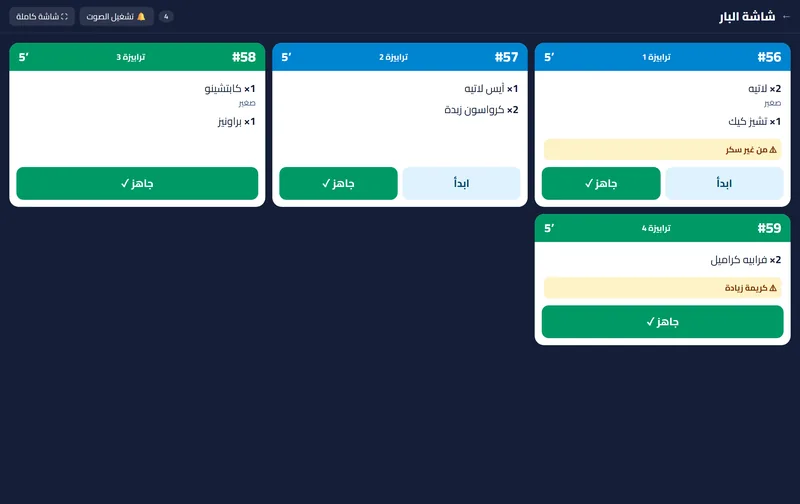
Guests order from the table. You hear it ring.
Orders from the table QR straight to a live board.
In Basic · Pro · Business
How it works
Table ordering, step by step
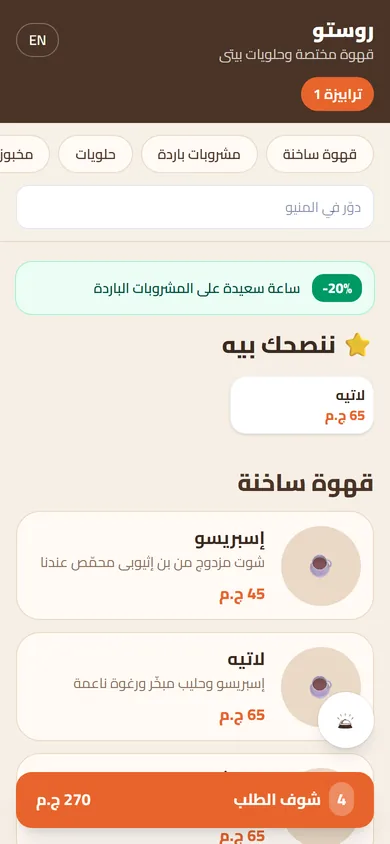
Scan the table. A guest at table 4 scans the code.
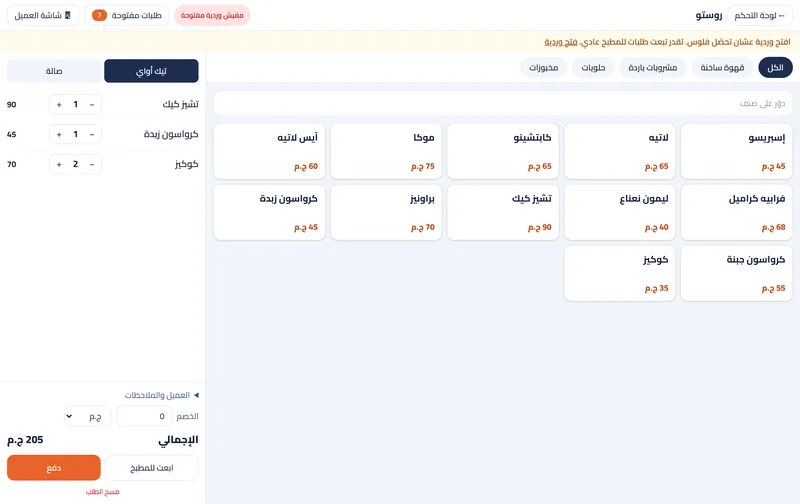
Pick items. A latte with a size, and a cheesecake.
Send. They review the order and send it.
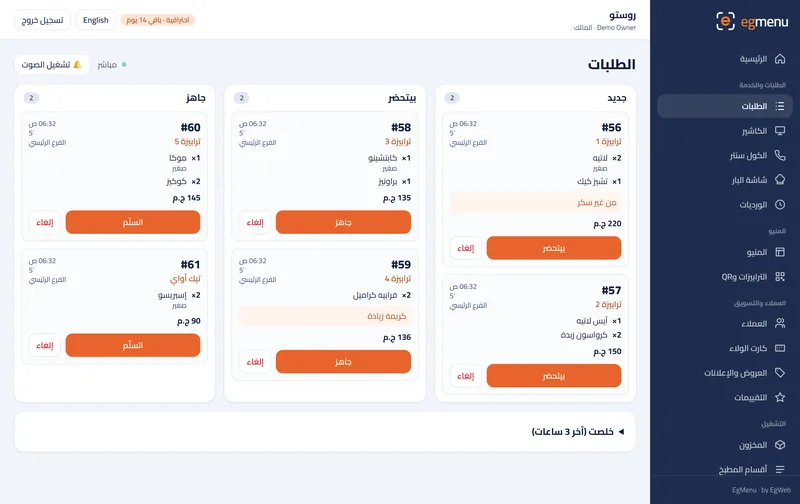
It rings. The order lands on your board with a bell.
Prepare and serve. One tap to preparing, one tap to ready.
What you get
A ring for every order
New orders appear on the board with a sound, with the table number on top.
Exactly as the guest wrote it
Sizes, extras and notes like “no sugar” reach the bar or kitchen as typed.
New, preparing, ready
One tap moves an order along, so everyone sees what is waiting.
On what you already have
The board works on the phone, tablet or computer at the counter.
Who is it for
In a cafe like Rosto A great fit
No queue at the counter at rush hour: guests order while they sit.
In a restaurant like Sofra A great fit
Fewer wrong orders: options and notes go to the kitchen as written.
Where you get it
- Not included Free Free
- Not included Starter 99 EGP / month
- Included Basic 199 EGP / month
- Included Pro 399 EGP / month
- Included Business 799 EGP / month
Questions about Table ordering
Can guests also call the waiter?
Yes, there is a call-the-waiter button, and you see which table pressed it.
What if I do not want ordering every day?
Switch ordering off from Settings and the menu goes back to view only.
Does each table have its own code?
Yes. Print one code per table from the dashboard, and orders arrive with the table number.