TV menu screens
Your menu on the shop TVs, always with today’s prices
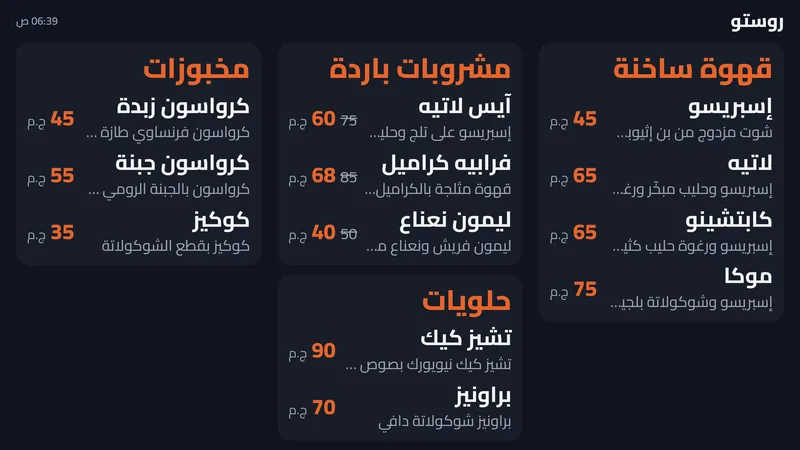
Any smart TV becomes a menu board that updates itself.
In Business
How it works
TV menu screens, step by step
Pick the sections. Choose what this screen shows: hot drinks above the cashier, desserts at the door.
Open on the TV. Open the screen link in the TV browser.
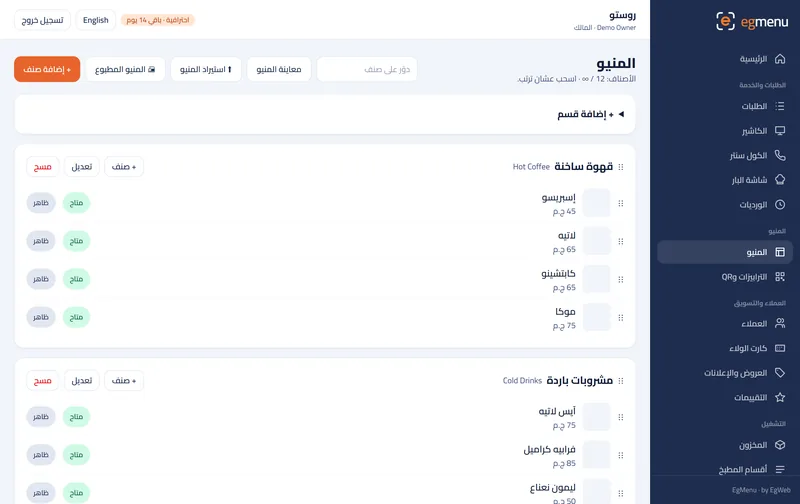
Change a price. Edit a price in the dashboard.
The TV follows. The screen refreshes itself with the new price.
What you get
Any smart TV
Open the screen link in the TV browser once. No box, no USB stick.
Updates by itself
Change a price or mark an item sold out and the TV follows within seconds.
Offers on screen
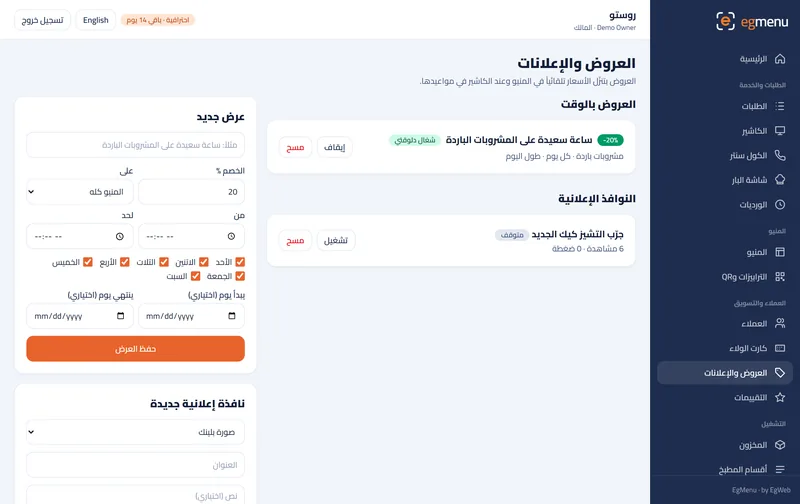
Happy-hour prices show with the old price crossed out while the offer runs.
Who is it for
In a cafe like Rosto A great fit
A drinks board above the counter so the line orders faster.
In a restaurant like Sofra A great fit
Combos and offers on the screen at the entrance.
Where you get it
- Not included Free Free
- Not included Starter 99 EGP / month
- Not included Basic 199 EGP / month
- Not included Pro 399 EGP / month
- Included Business 799 EGP / month
Questions about TV menu screens
How many screens can I have?
As many as you need; each one has its own link and its own sections.
Does the TV need internet?
Yes, a normal Wi-Fi connection so it can pick up your changes.
Can a screen show offers only?
Yes. Pick the sections and the screen shows only those, with offer prices when they run.